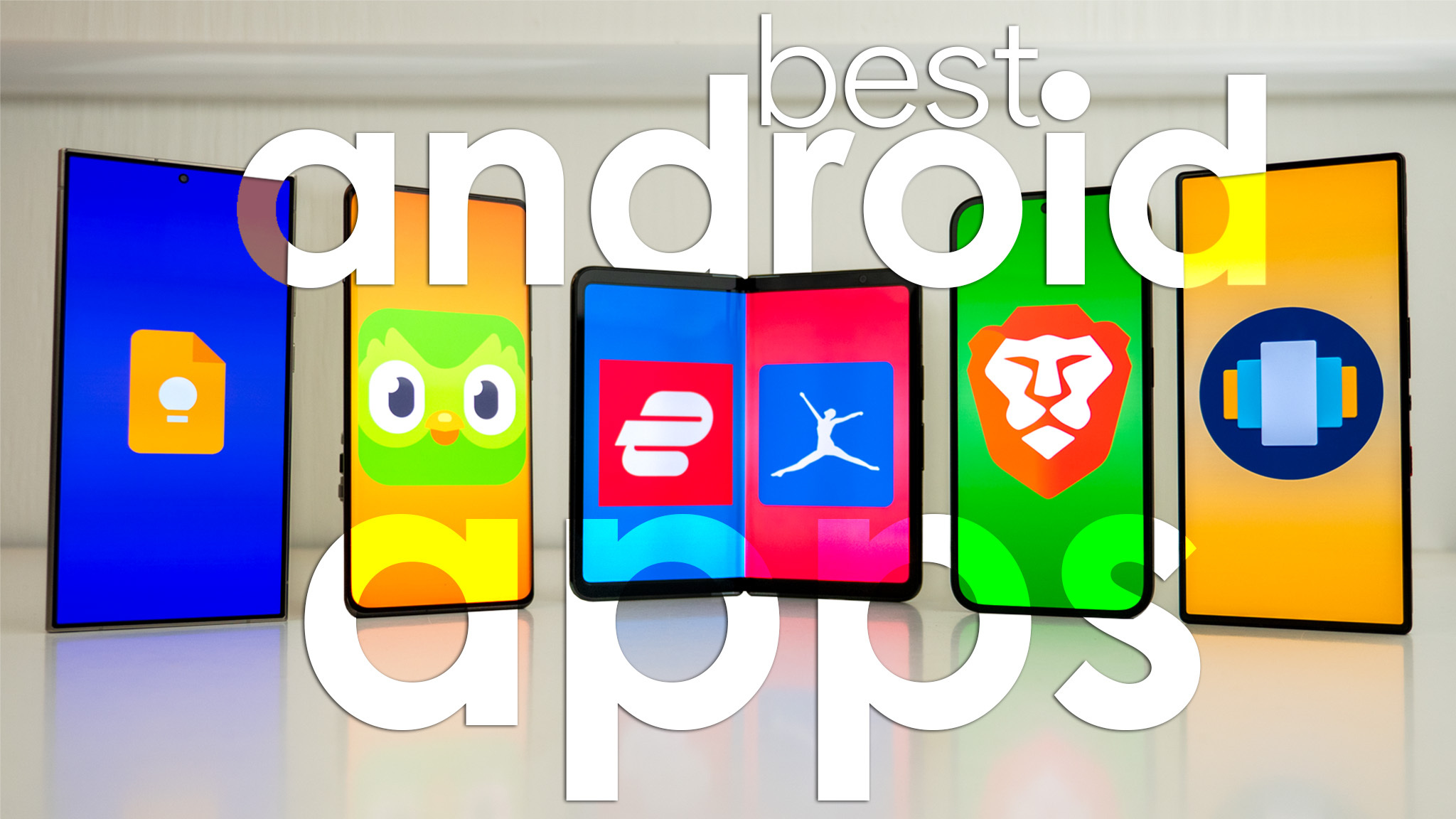
Android continues to dominate the smartphone market, offering millions of applications through the Google Play Store. However, with so many options available, finding the best Android apps can be overwhelming. Whether you want to improve productivity, stay entertained, learn new skills, or protect your privacy, the right apps can completely transform your smartphone experience.
In this guide, we've selected 20 of the best Android apps in 2026 based on popularity, user reviews, features, and real-world usefulness.
1. ChatGPT
ChatGPT is one of the most powerful AI assistants available today. It can answer questions, write emails, generate ideas, summarize articles, translate languages, and help students with homework.
Best For:
AI assistance
Writing
Learning
Productivity
2. Google Drive
Google Drive provides secure cloud storage that lets you access your files from anywhere. You can store documents, photos, videos, and collaborate with others in real time.
Key Features
15GB free storage
File sharing
Automatic backup
Cross-device syncing
3. Notion
Notion combines note-taking, project management, calendars, and task tracking into a single workspace. It's perfect for students, professionals, and businesses.
4. Canva
Canva allows anyone to create stunning graphics, social media posts, presentations, resumes, and marketing materials without professional design skills.
Popular uses include:
YouTube thumbnails
Instagram posts
Business presentations
Posters
5. Spotify
Spotify remains one of the world's leading music streaming platforms, offering millions of songs, podcasts, and personalized playlists.
6. WhatsApp
WhatsApp continues to be the most popular messaging application worldwide, supporting voice calls, video calls, communities, and file sharing.
7. Microsoft SwiftKey Keyboard
SwiftKey improves typing speed with AI-powered predictions, multilingual support, and customizable themes.
8. Adobe Lightroom
Lightroom is ideal for mobile photo editing. It offers professional tools like color correction, exposure adjustment, filters, and RAW editing.
9. Duolingo
Want to learn a new language? Duolingo makes language learning fun through interactive lessons and daily challenges.
10. Google Photos
Google Photos automatically backs up your pictures and videos while providing powerful AI search and editing tools.
11. Microsoft Outlook
Outlook combines email, calendar, contacts, and scheduling into one clean application suitable for both personal and professional use.
12. CapCut
CapCut is one of the most popular mobile video editing apps. It offers advanced editing tools, transitions, subtitles, and AI-powered effects.
13. VLC Media Player
VLC supports nearly every video and audio format without requiring additional codecs.
14. Brave Browser
Brave blocks ads and trackers by default, resulting in faster browsing, improved privacy, and better battery life.
15. Google Keep
Google Keep makes it easy to capture ideas, create shopping lists, set reminders, and organize notes.
16. Zoom
Zoom remains one of the top apps for online meetings, webinars, remote work, and virtual classrooms.
17. Grammarly Keyboard
Grammarly helps users write with confidence by checking grammar, spelling, punctuation, and writing style in real time.
18. Google Maps
Google Maps provides accurate navigation, live traffic updates, nearby businesses, and offline maps for travelers.
19. Amazon Shopping
Amazon's Android app allows users to browse products, compare prices, read reviews, and shop securely from their phones.
20. Bitwarden
Bitwarden is a secure password manager that stores all your passwords safely and helps generate strong passwords for better online security.
How to Choose the Best Android Apps
Before installing any app, consider the following:
Final Thoughts
The Android ecosystem continues to grow with innovative applications that make everyday tasks easier and more enjoyable. Whether you need productivity tools, entertainment apps, educational resources, or privacy-focused solutions, these Android apps provide excellent value for every user.
Try a few of these recommendations and customize your smartphone according to your personal and professional needs. As Android technology evolves throughout 2026, keeping your apps updated will ensure better performance, stronger security, and access to the latest features.
Frequently Asked Questions
Which is the best Android app overall?
ChatGPT, Google Drive, WhatsApp, and Google Maps are among the most useful Android apps for everyday users.
Are these Android apps free?
Most of the apps listed offer free versions, while some also provide premium plans with additional features.
Which Android app is best for productivity?
Notion, Google Drive, Google Keep, and ChatGPT are excellent productivity apps.
Which Android app is best for photo editing?
Adobe Lightroom and Canva are two of the best choices for editing photos professionally.
Is it safe to download Android apps?
Yes, if you download apps only from the official Google Play Store and review app permissions before installing.